Feature
Built To Be Hands-Free


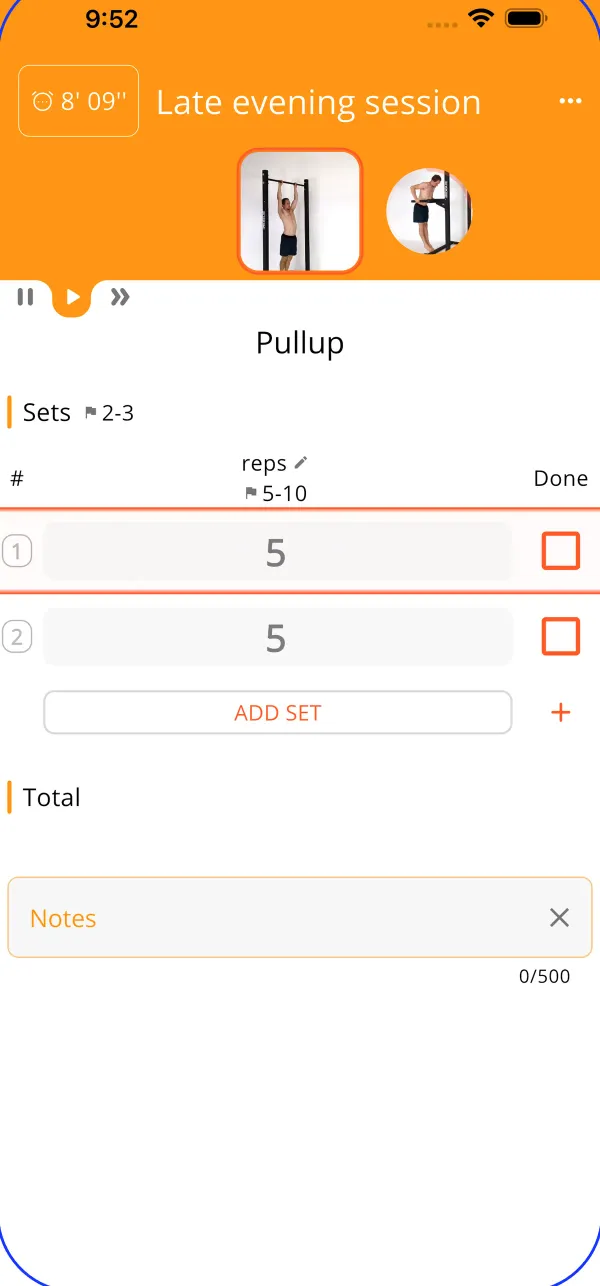
Auto-play and follow along
Turn on auto-play and leave your phone until the end of the session. You’ll still know what’s next all the time. Auto-play will tell you the exercise name, halfway points on reps and time, when a new set is starting and rest times. It’ll even recite any notes you took in your last session like “add 5lbs next week!”
Your workout, your way
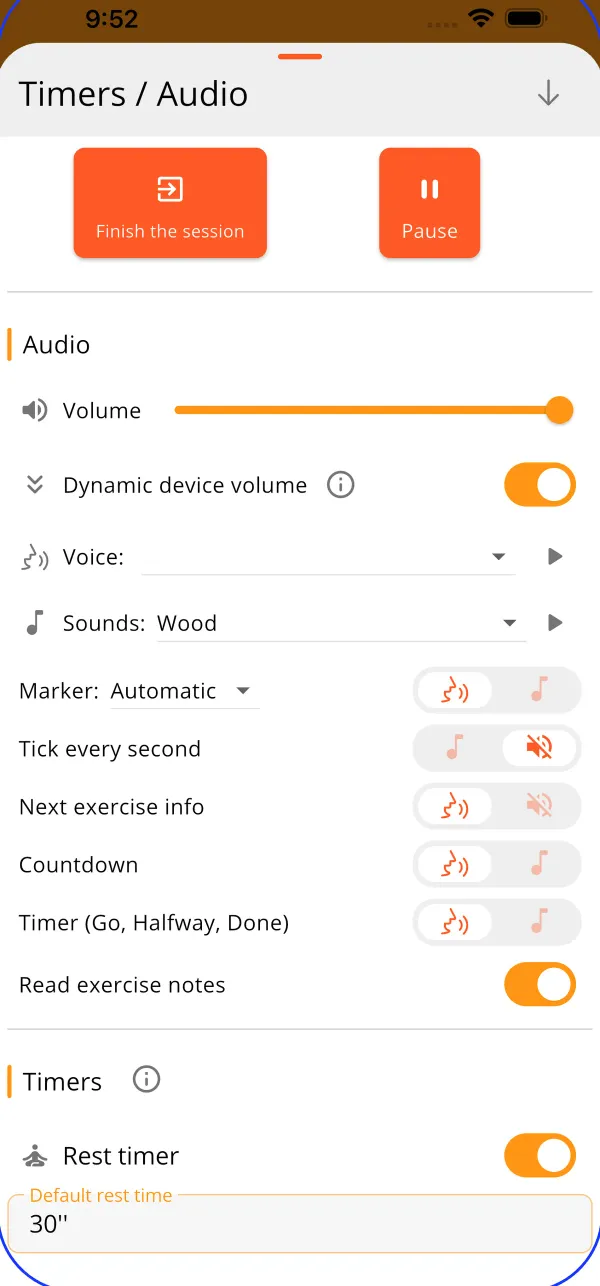
Open audio settings before starting your session by selecting “Timers / Audio” in the drop down menu on the top right corner. From here you can:
- Turn on Auto-play, select your preferred “ding!” or voice to hear all your updates per set. There are several options so you get your cues the way you want.
- Change your language preferences
- Scroll down and you can customize your rest and set timers.
- Set everything the way you’d like it, then start your session for a distraction-free gym experience.
Change a target, goal, or Quick Switch an exercise, and the audio adapts. Set your timers, turn on your workout music playlist and lock your phone for a seamless session with no distractions; Calistree’s hands-free feature keeps you on track while you worry about your form. A session with Calistree is a session without the hassle of starting and stopping timers or seeing what’s next in your superset because everything is announced for you. Best of all, this exclusive feature is fully functional in the free plan!
Ready to create your account and dive into a better you? Click here.
What users say
- ★★★★★
This is the absolute best exercise app I have ever used and is exactly what I was looking for. There are videos of each exercise along with detailed explanations. There is an audio explanation of what's next with a timer as you exercise. You can schedule routines as you wish. In addition, the app can work offline. Aaaand for those of us who hate subscriptions, the lifetime payment option is fair and accessible. Thank you so much Louis for this app. Keep up the great work!
- ★★★★★
What an incredible way to plan your workouts- the exercise list is an amazing reference in itself, and the voice option works well! Particularly like how the voice will read your notes too, super useful!
- ★★★★★
Great app. Practices are gradually suggested and since are very original (at least for me). Operation is smooth and intuitive and the cues are excellent.
Questions
Can I listen to my own music while it guides me?
Yes. Keep a song or a podcast playing from any other app and train with Auto-play at the same time. The workout cues play over it, and you can let the audio follow your device volume so a loud gym or a quiet room both work.
Does it keep going with the screen locked?
Yes. Background mode keeps the timers and the audio running with the screen off or the app in the background, and a notification shows the running session. If a session is interrupted, it resumes where it was. On Android, battery settings can still pause background apps, so allow Calistree to run in the background if the audio stops.
In which languages does it speak?
It uses your phone's own text-to-speech voices, so it speaks whichever languages your device has installed, and you pick the voice per language. You can also keep exercise names in English while the rest is read in your language.
Why does the voice sometimes stop on Android?
Android can shut down background apps to save battery. Turn off battery optimization for Calistree, or allow it to run in the background, and the audio keeps going through the whole session. See the background mode notes in the app.