Version 4.29
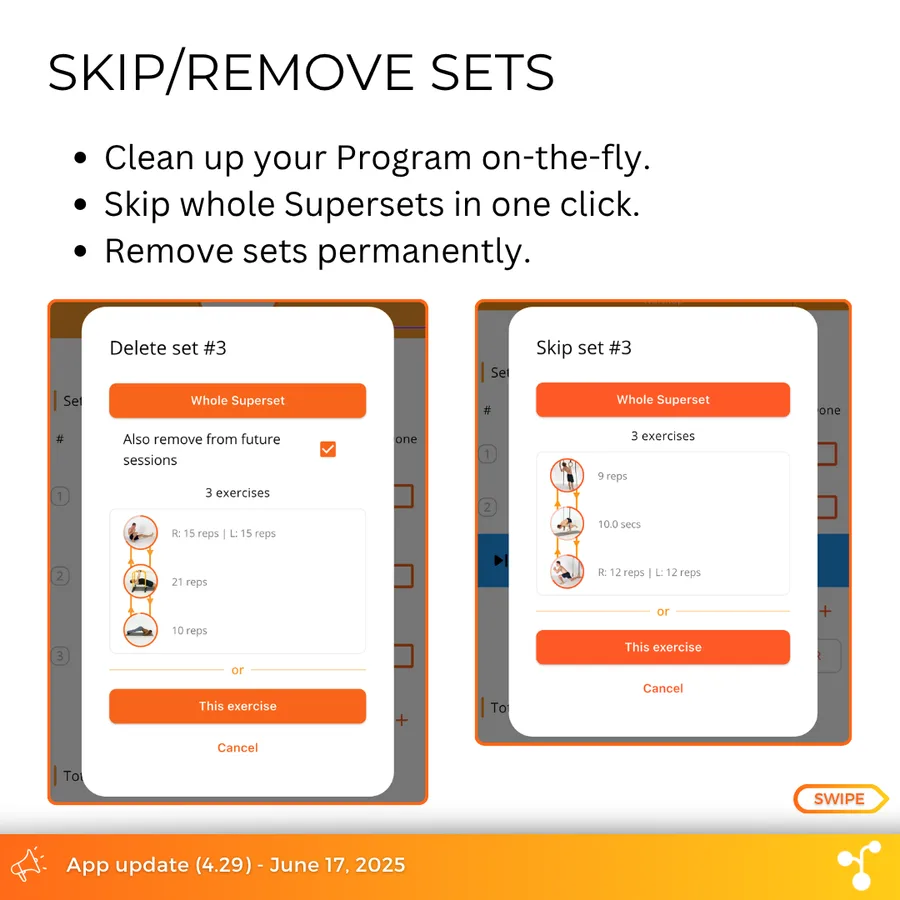
A little extra feature that was often requested: removing sets during a workout Session has now become much more powerful.
- Click on the Set # or swipe a set to remove it or skip it.
- Choose to skip/delete only in the current exercise, or for the whole Superset at once.
- If removing, decide whether to apply that change to future Sessions as well (in effect, decreasing the "max sets" number from the exercise parameters).
Other changes:
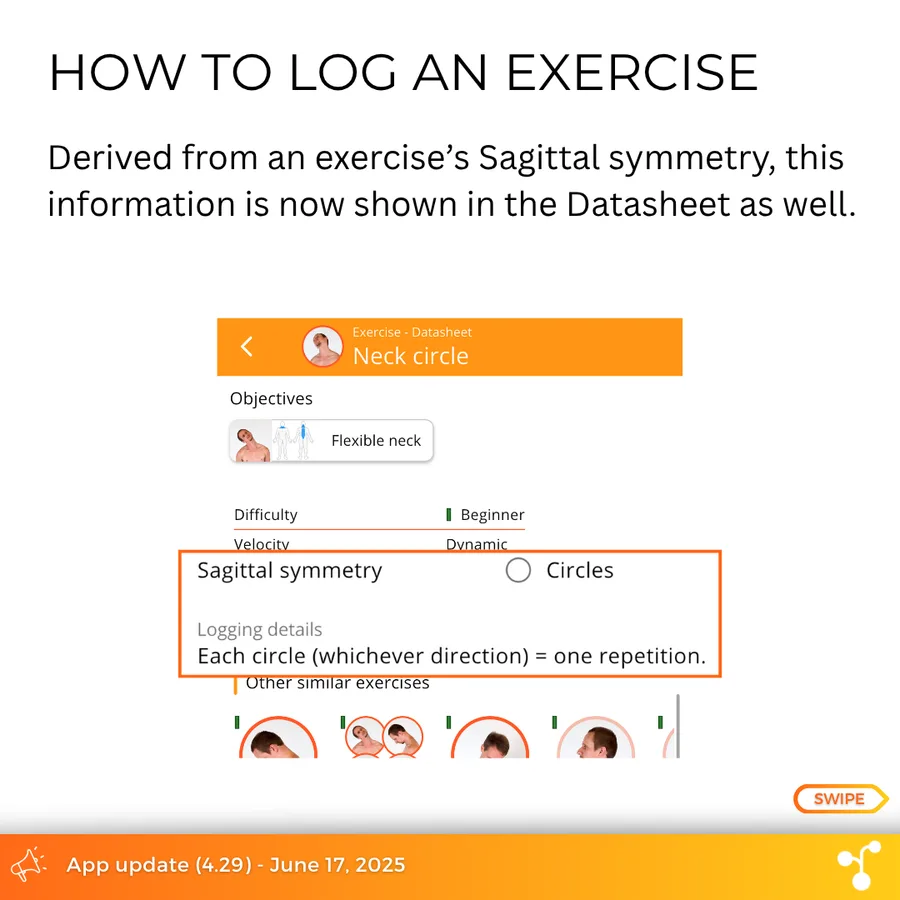
(qol) Add info about sagittal symmetry in the exercise datasheet.
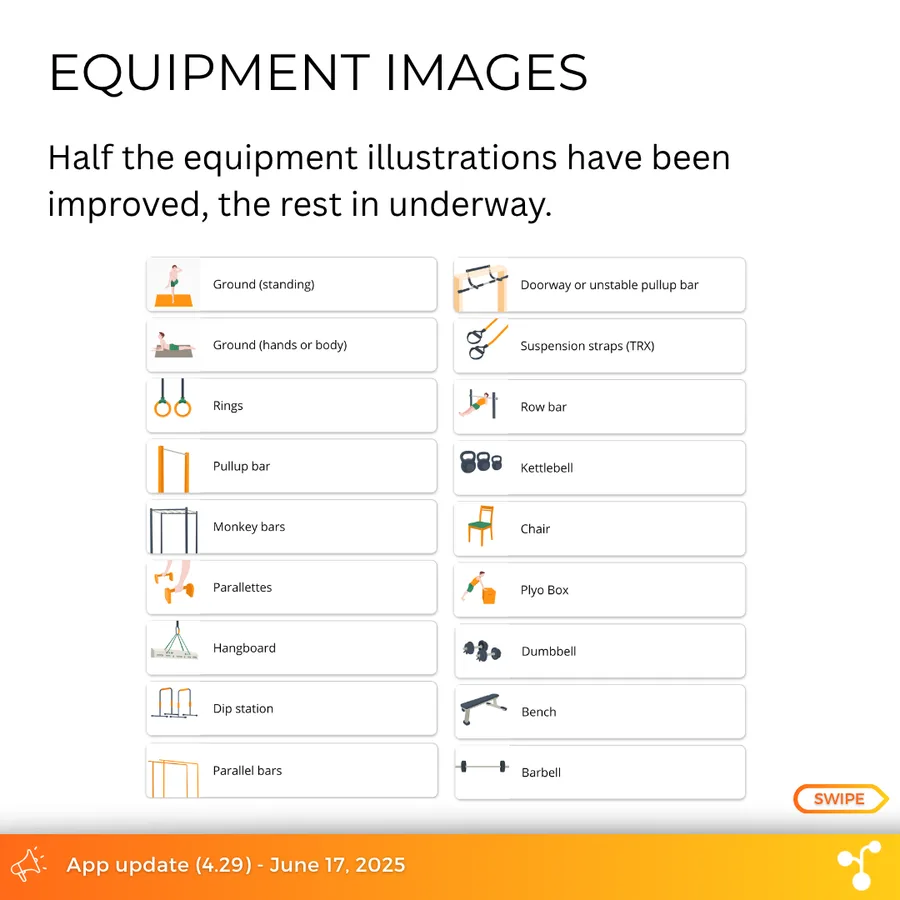
(qol) New equipment images.
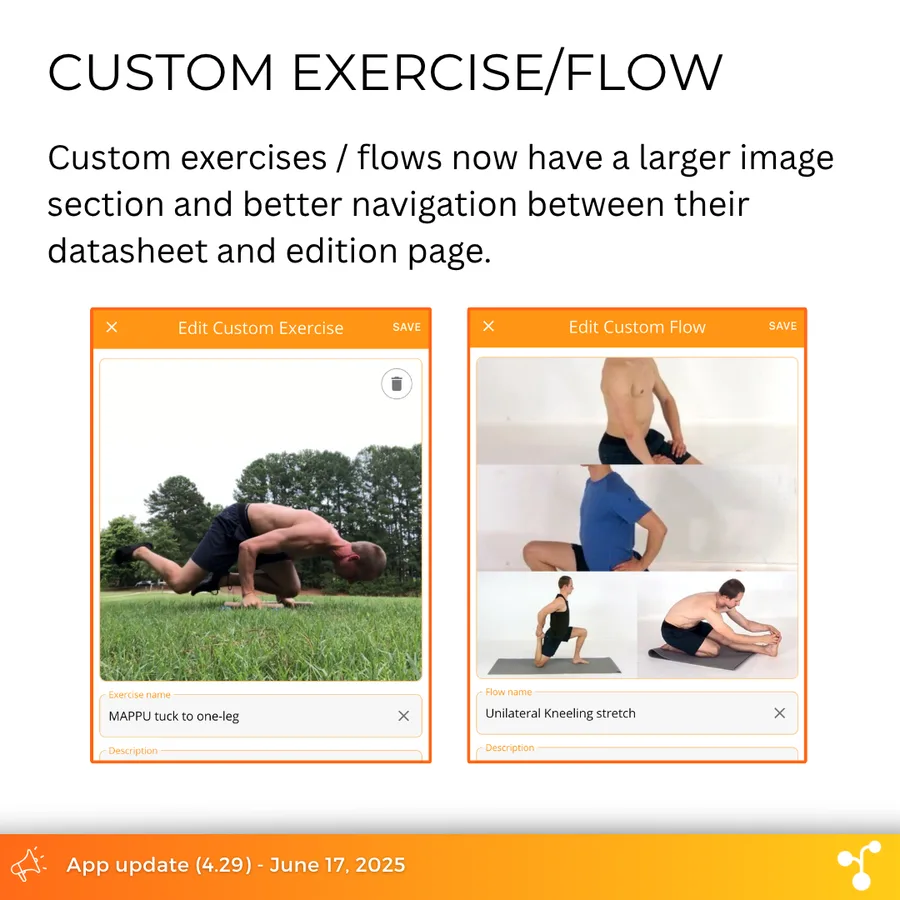
(qol) Custom exercise/flow: improved page design.
(fix) Google sign in.
(fix) Search filter for free weights.
(fix) Slightly adjust the program profile to give more weight to harder exercises.
(fix) Custom exercises now correctly added to all objectives.
We're currently working on a large improvement of the Workout page and expect that change to become available around end of July or August. Enjoy your training this week!